
Deltaprints Blog
Deltaprints CSV Export: An Easier Way to Add Products to Your Shop
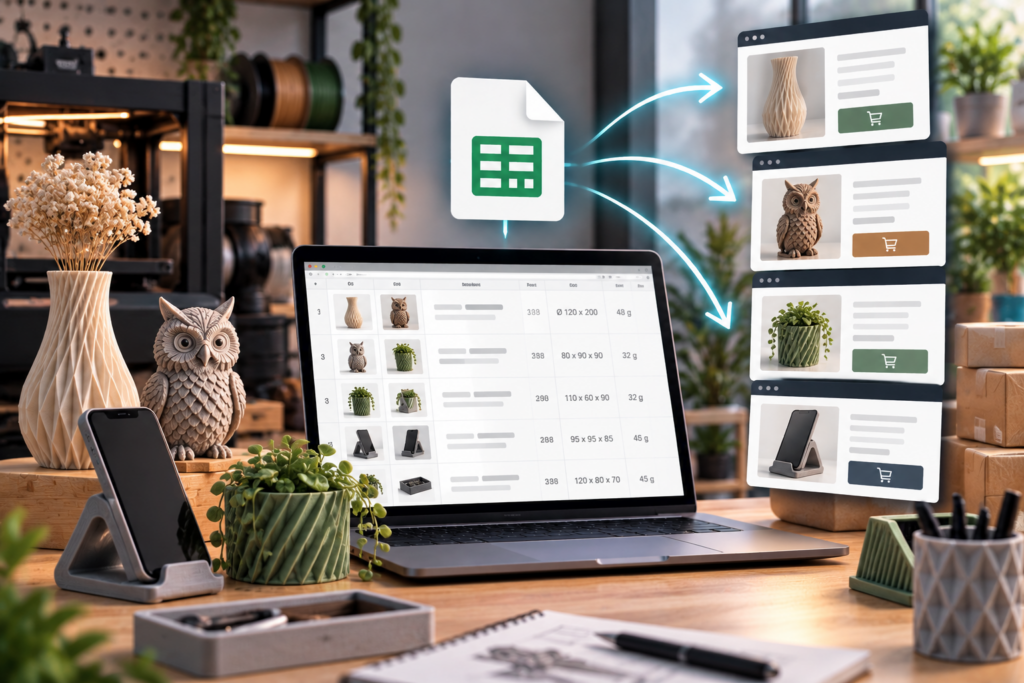
Running a shop that sells physical 3D-printed products involves much more than just printing the models.
Every new product needs a title, description, images, dimensions, technical information, and other details before it can be published. Doing this manually for one or two products is manageable. But when your catalog contains dozens or even hundreds of Deltaprints models, creating and maintaining all those listings can become very time-consuming.
That’s why I’ve introduced a new feature for Deltaprints Patrons with a commercial license: the Deltaprints Model CSV Export.
All Important Model Data in One File
The CSV export provides the most important information from the Deltaprints Model Catalog in a structured format.
The current export includes Model ID, model name, short description, hero image, Image 2, Image 3 and Image 4 (if available), model dimensions, print dimensions, filament usage (if available), and the direct Deltaprints.de model URL.
Instead of manually collecting this information for every model, you now have one central source for the product data you need.
Depending on the shop system you use, the CSV can serve as the basis for a direct product import, be edited in Excel or another spreadsheet application, or simply be used as a convenient source when creating your listings manually.
Spend Less Time Copying Data
The main purpose of this feature is simple: to save my Patrons time.
If you sell many Deltaprints designs as physical prints, adding every new model to your shop manually can involve a lot of repetitive work.
With the CSV export, much of the basic information is already organized for you.
You can concentrate on customizing your listings, setting your prices, choosing available colors and materials, and running your business instead of repeatedly searching for model information.
Product Image URLs Are Included
The CSV also contains the URLs for the available product images.
Each model can include a hero image plus up to three additional images. If fewer images are available for a particular model, the corresponding fields simply remain empty.
This means you no longer have to open every model page individually just to find the relevant images.
Whether these image URLs can be imported automatically depends on the import capabilities of your shop platform, but having them available in a structured format already makes the process considerably easier.
Please Customize the Short Descriptions
There is one important point I would like everyone using the export to keep in mind.
Please don’t simply publish the included short descriptions unchanged across your shops.
The descriptions provided in the CSV are intended to give you a useful starting point.
If many independent shops publish exactly the same product description, it can create unnecessary duplicate content across the web. For this reason, I recommend rewriting or adapting the description before publishing the product in your own shop.
This is also a great opportunity to make your listing more relevant to your customers. You can add information about your available colors, materials, print quality, production process, delivery times, or anything else that makes your physical product unique.
The CSV should save you time — not replace your own product presentation.
334 Patreon Models Already Available
I have currently added 334 models from the Patreon collection to the Deltaprints Model Catalog.
And the catalog continues to grow.
I am working on it every day, adding more models and expanding the available information.
As more of the Patreon collection is added to the catalog, those models will also become available through the CSV export.
One Download Link — Always the Latest Data
One of the most useful parts of the new system is that the CSV is not a static file that becomes outdated after a few days or weeks.
The export is generated from the current Deltaprints Model Catalog.
That means when additional models are added to the catalog, the CSV is updated accordingly.
You can simply bookmark the download link and use it whenever you need fresh product data.
There is no need to keep track of files such as models-v1.csv, models-v2.csv, or wait for me to manually provide an updated spreadsheet.
One link gives you access to the latest available version.
Download the Current Deltaprints CSV
You can access the latest CSV under „Tools -> Shop CSV Export“ if you are registered as a All Access Patron.
The goal behind this feature is to make selling your licensed Deltaprints prints easier and more efficient.
As the Deltaprints catalog continues to grow, having structured product data becomes increasingly useful. Instead of spending your time copying information from one place to another, you can focus on what matters most:
Printing great products, building your shop, and making sales.
Latest Releases