Deltaprints Blog
Introducing the Deltaprints Vase Designer: Create Your Own 3D Printable Vases
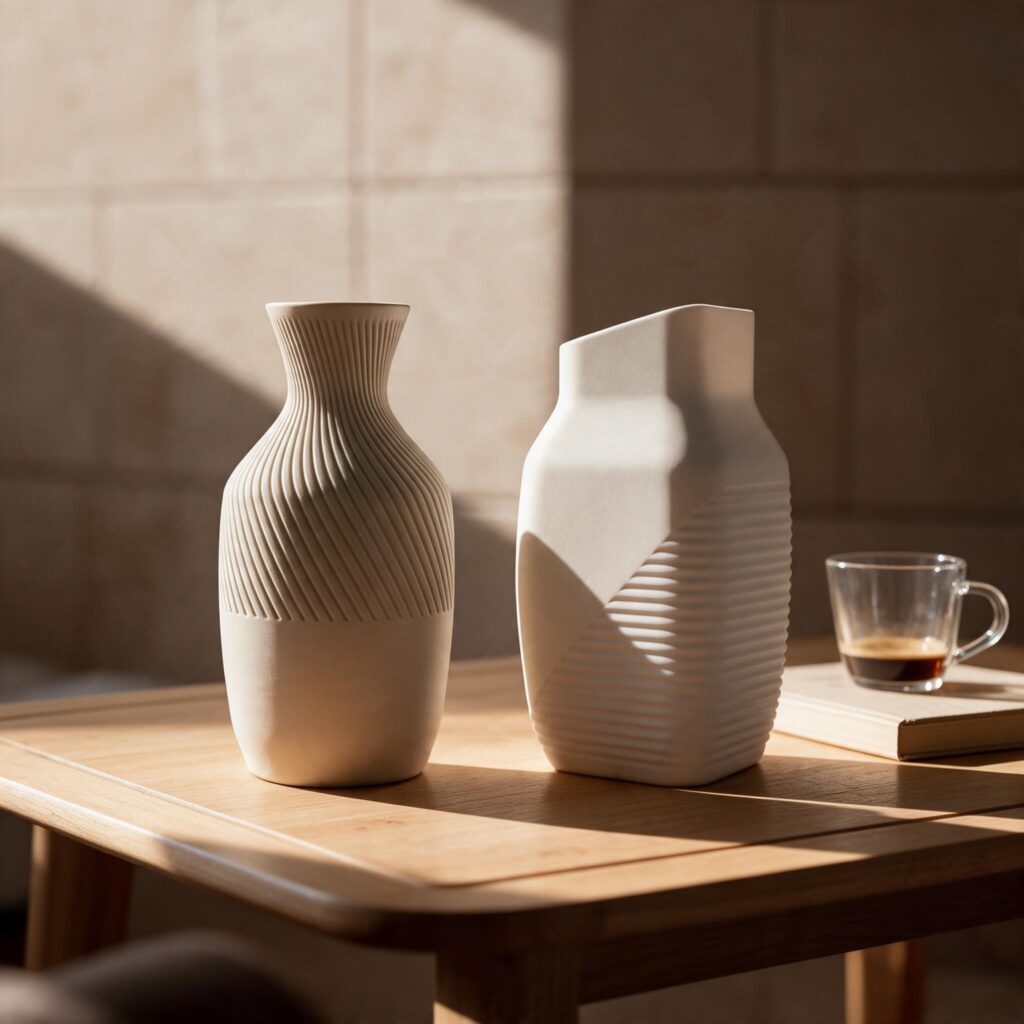
Designing a unique vase shouldn’t require complicated 3D modeling software. With the new Deltaprints Vase Designer, you can create personalized, 3D-printable vases directly in your browser – from elegant minimalist designs to bold, sculptural shapes with intricate ribbed textures.
Following the Deltaprints Planter Designer, this new tool expands the possibilities of customizable 3D printing with a focus on modern vase design.
Whether you prefer clean, smooth surfaces or decorative textures, the Vase Designer gives you the freedom to create something that matches your personal style.
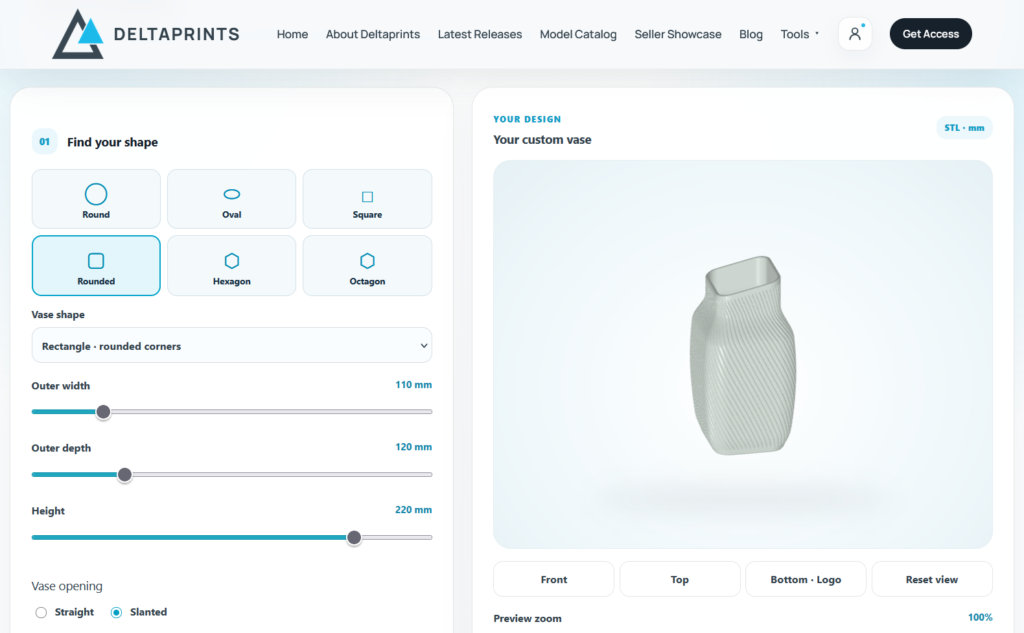
A Different Approach to 3D Printable Vases
There are countless ready-made vase models available online. But finding one with exactly the right proportions, surface texture, and overall shape isn’t always easy.
Maybe you like the silhouette of one vase but prefer the ribbed texture of another. Perhaps you need a particular height, a wider body, or a narrower opening.
The Deltaprints Vase Designer brings these possibilities together in one interactive tool.
Instead of choosing from a fixed collection of STL files, you can build your own design by combining different shapes, proportions, and surface patterns.
And the best part? You can see the results immediately in an interactive 3D preview.
Six Base Shapes and Endless Creative Possibilities
The designer starts with six different base geometries, including round, oval, square, rounded rectangular, hexagonal, and octagonal shapes.
Each one provides a different foundation for your design.
You can then choose between six vase silhouettes and adjust their proportions to create anything from a simple cylindrical vase to an elegant bottle-shaped design or a soft, rounded decorative piece.
Fine-tuning options let you control details such as body fullness, neck width, opening width, shoulder position, and base width.
The goal is to make these adjustments accessible without requiring any previous experience with 3D modeling.
Modern Ribbed Designs and Decorative Surface Textures
One of the main focuses of the Vase Designer is creating contemporary ribbed vases.
Vertical grooves, twisted ribs, and sculptural surface patterns can completely transform the appearance of a simple shape.
The designer currently includes 15 surface patterns, giving you plenty of room to experiment with different styles.
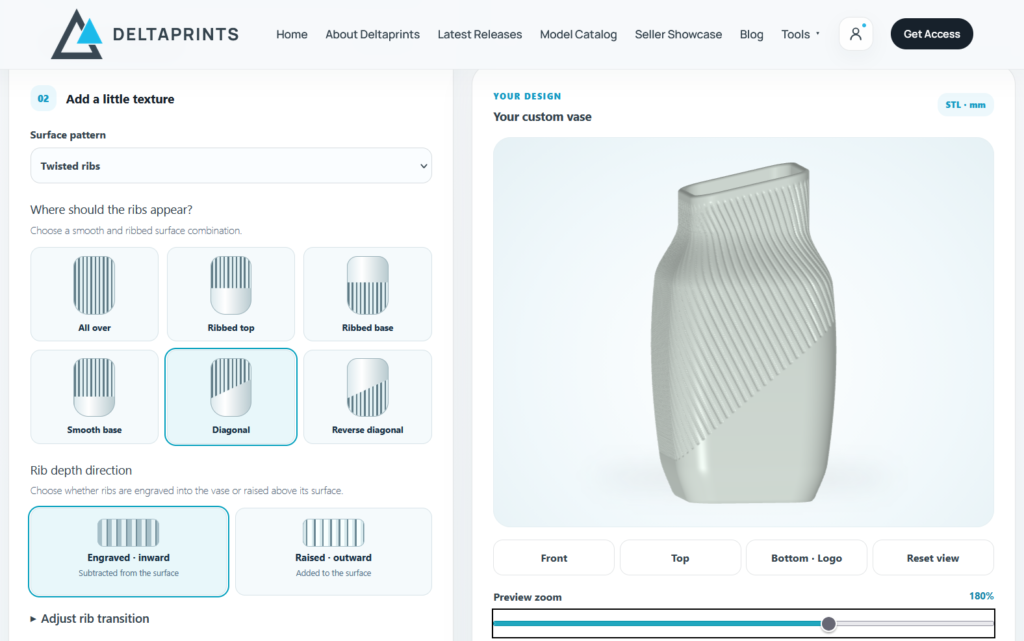
You can create:
- Minimalist vases with completely smooth surfaces
- Elegant designs with fine vertical grooves
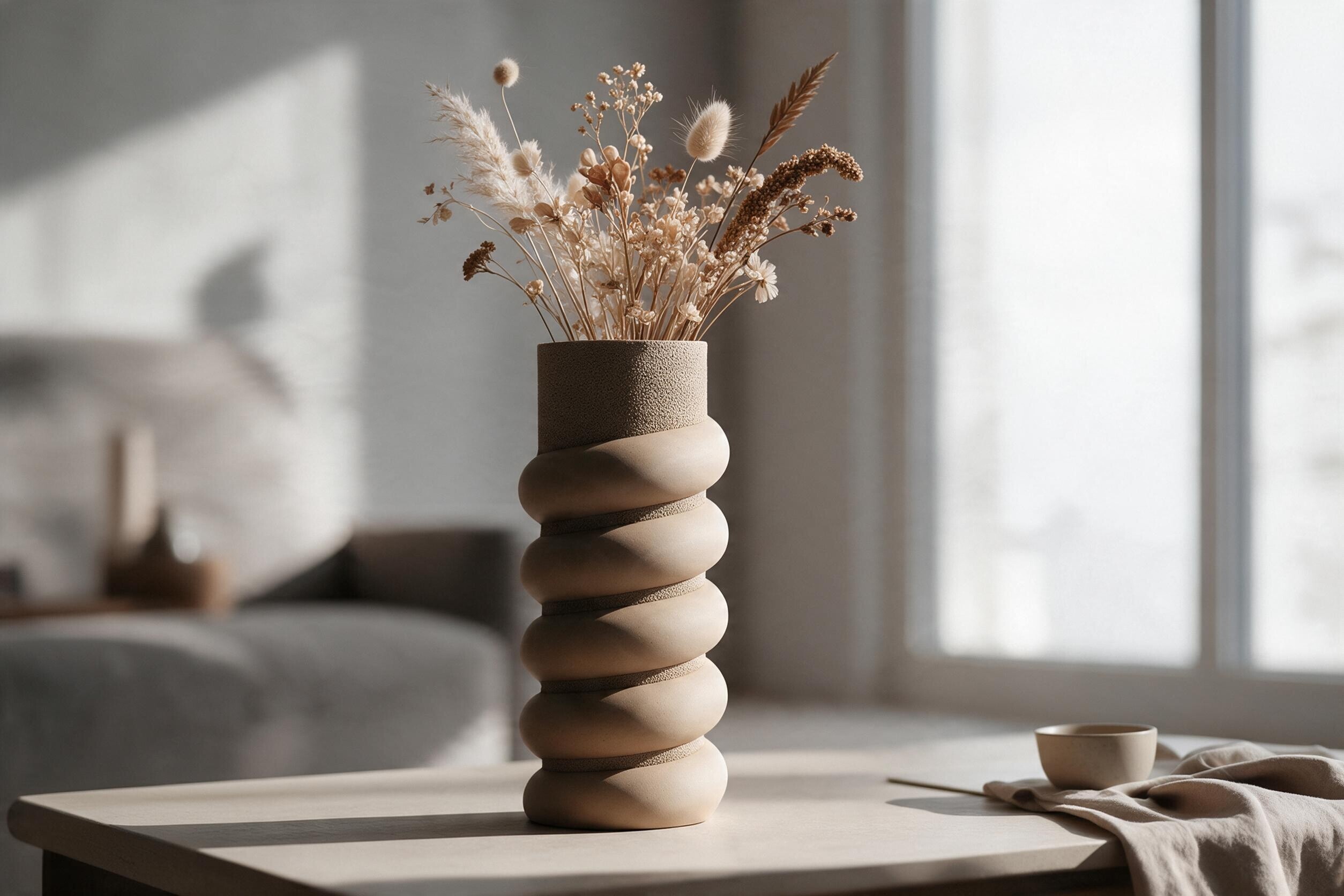
- Bold, deeply ribbed decorative vases
- Twisted and spiral-inspired textures
- Organic-looking surfaces with subtle variations
- Modern designs combining smooth and textured areas
The ribbed patterns can also be configured as either raised or recessed details.
This makes it possible to achieve very different visual results using the same basic vase shape.
Combine Smooth and Ribbed Surfaces
Not every vase needs to have the same texture from top to bottom.
The Vase Designer includes several options for applying decorative patterns to specific sections of a model.
For example, you can create a vase with a smooth upper section and a ribbed lower body, or combine a textured upper half with a clean, minimalist base.
Diagonal transitions add another design possibility, creating an interesting contrast between smooth and structured surfaces.
These details are generated as part of the actual 3D geometry rather than being applied as visual-only textures.
Straight or Slanted Vase Openings
A small change to the opening of a vase can have a surprisingly large effect on its overall appearance.
Alongside traditional straight openings, the Vase Designer allows you to create slanted openings with adjustable height differences.
This is particularly interesting for sculptural designs, asymmetrical silhouettes, and modern decorative vases.
Combined with twisted ribs or a rounded body, a slanted opening can turn a relatively simple design into something much more distinctive.
Personalize Your Vase With Your Own Logo
For an additional personal touch, the Vase Designer includes an option to engrave a custom logo on the underside of your vase.
Simply upload your logo, adjust its size and engraving depth, and inspect the result using the dedicated bottom-view preview.
This feature is particularly useful for makers who want to add their own branding, create personalized gifts, or give their designs a recognizable finishing detail.
Designed for 3D Printing
Creating visually interesting shapes is only one part of the process. The models also need to be suitable for 3D printing.
The Vase Designer includes geometry adjustments intended to reduce problematic outward overhangs, helping users create more practical shapes.
The interactive preview makes it easier to inspect proportions and surface details before exporting.
Once you’re happy with your design, you can generate an STL file and prepare it in your preferred slicer.
As with any 3D-printed object, the final printability depends on the chosen geometry, material, printer, and slicing settings. Checking the model in your slicer before printing is always recommended.
No CAD Experience Required
One of the main goals behind the Deltaprints designers is to make customization accessible to everyone.
You don’t need to understand complex modeling workflows or spend hours learning CAD software.
Start with a design preset, choose a base shape, select your preferred surface texture, and adjust the dimensions.
The 3D preview updates as you work, allowing you to explore different ideas and refine your design.
More advanced settings are available whenever you want greater control over the final result.
Create Your Own Vase With Deltaprints
The Deltaprints Vase Designer is available directly on the Deltaprints website.
You can explore the design options and experiment with different shapes and textures online.
STL downloads are available to Deltaprints All Access Patrons, allowing members to turn their custom creations into real 3D-printed objects.
The designer will continue to evolve, with improvements and new creative possibilities planned for the future.
Whether you’re looking for a subtle minimalist vase, a modern ribbed centerpiece, or a completely personalized decorative object, the Vase Designer gives you the tools to bring your ideas to life.
Start creating your own 3D-printable vase with the Deltaprints Vase Designer!
Create something unique. Make it your own. Print it with Deltaprints.
Latest Releases